How It Works The Process of Calibration
OBD Real Read Vs OBD VR
OBD real read and virtual read (VR) are two different ways of obtaining the ECU file before tuning.
An OBD real read is when you physically read the actual data stored inside that specific ECU through the OBD port. The file you get is the exact binary from that vehicle, including its maps, software version, and any previous modifications. This makes it the most accurate method because you are working with what is genuinely on the ECU. It’s especially important if the vehicle may have been updated, previously tuned, or if you’re doing more advanced or custom work. The downside is that not all ECUs allow a real read over OBD, particularly newer ones like Most EDC17 ,MD1 and MG1, and it can take longer
A virtual read is different because you are not actually pulling the file from the ECU. Instead, the tool reads the, ECU’s identification data (software number, hardware number, etc.) and then downloads a matching file from an online database. This file is what should be on that ECU if it is completely stock. It’s much faster and works on many newer or protected ECUs, but it is not guaranteed to be identical to the file currently on the vehicle. If the ECU has been updated or modified before, there can be differences, which can lead to issues if not accounted for.
In simple terms, an OBD real read gives you the exact file from the car, while a virtual read gives you a stock file based on what the system expects to be there.
Watch how a professional OBD read is performed below
Bench Read (Full Back-Up)
A bench read is when you remove the ECU from the vehicle and connect to it directly on the workbench, rather than going through the OBD port.
Instead of communicating through the car’s diagnostic system, you are wiring straight into the ECU’s pins (power, ground, CAN lines, and sometimes specific boot or service pins). This gives you a much deeper level of access to the ECU.
At a basic level, the process works like this:
First, the ECU is removed from the vehicle. On some cars this is easy (like certain BMWs or VAG), on others it can be more involved depending on location and mounting.
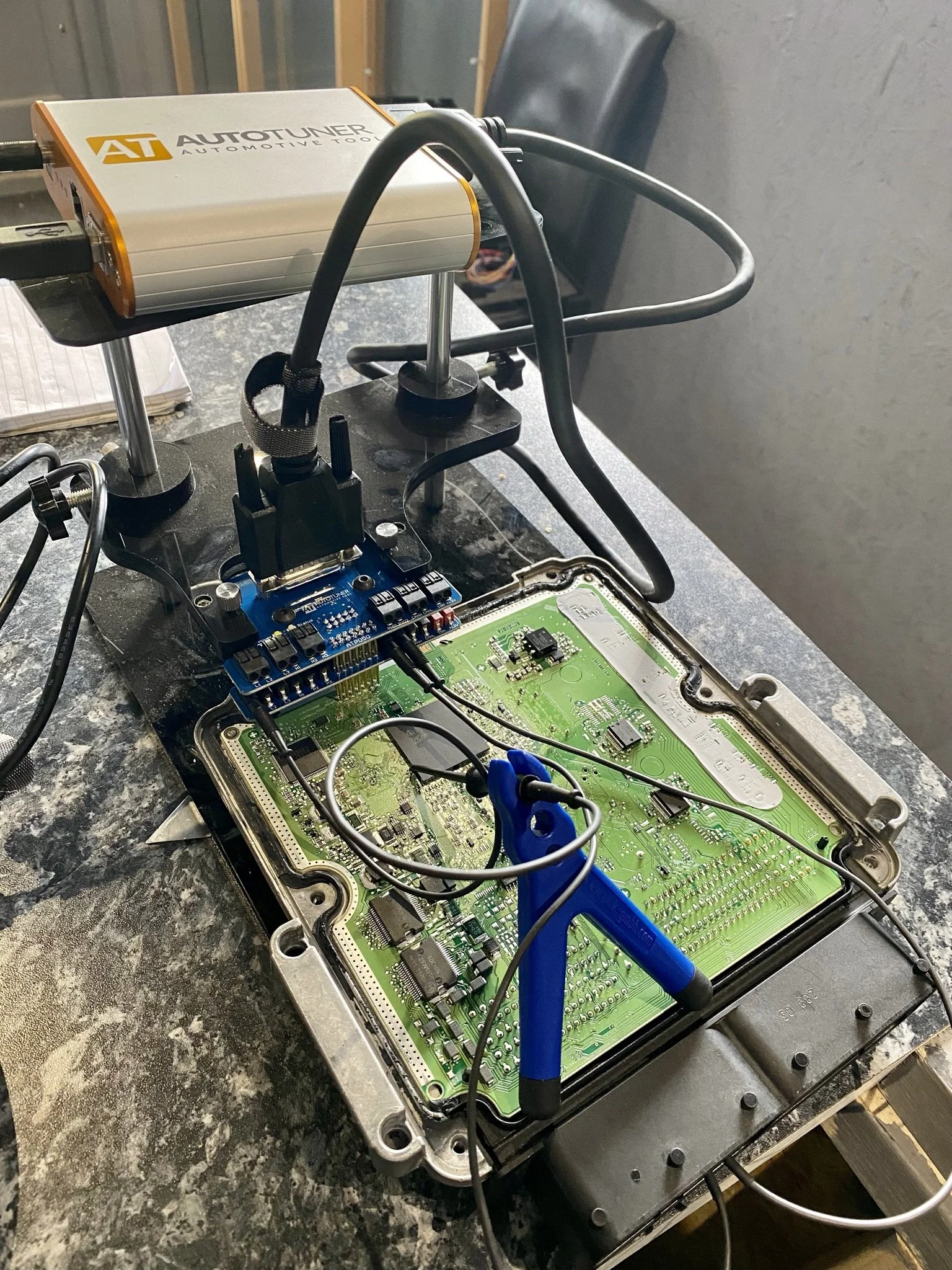
Once on the bench, you connect the ECU to a tuning tool such as AutoTuner or Magic Motorsport Flex using a bench or boot harness. You supply stable power (usually with a regulated power supply or battery support unit) and establish communication directly with the ECU.
From there, the tool communicates with the ECU at a lower level than OBD. This allows you to read the internal memory areas more freely, including the full flash and sometimes EEPROM depending on the ECU and protocol.
The key difference is access level. Bench reading often bypasses some of the restrictions that exist over OBD, especially on newer ECUs like Bosch MD1 and MG1. That’s why many of these require bench access for a full read or for initial unlocking.
In terms of what you actually get, a bench read typically provides a complete and reliable file from the ECU. It’s closer to a true “full backup” compared to many OBD reads, and it reduces the chance of missing data or working from an incorrect file.
There are also a few important advantages to bench reading. It is generally more stable because you’re not relying on the vehicle’s network or ignition state. It allows access to ECUs that are locked over OBD. It also reduces the risk of losing coding or communication mid-write, because you’re controlling power and communication directly.
However, it does come with trade-offs. You have to physically remove the ECU, which adds time and labour. From a professional point of view, bench reading is often seen as the safer and more thorough method, especially for newer or more complex ECUs. It allows you to take a full backup before making changes, which is critical for recovery if anything goes wrong.
A good way to explain it simply is:
OBD is like accessing a computer through its operating system, while bench is like plugging directly into the motherboard.
That’s why, at a higher level of tuning, bench work becomes less of a last resort and more of a standard approach for certain platforms.
Watch how a professional bench read is performed below
Boot Mode Sometimes Called Jtag or Tricore
Boot mode (often called Tricore boot, and sometimes incorrectly referred to as JTAG) is a deeper level of ECU access than a normal bench read.
It’s still done with the ECU removed from the vehicle, but instead of just powering the ECU up normally on the bench, you force it to start in a special “boot” or “service” mode. This bypasses the ECU’s normal security and gives very low-level access to the processor and memory.
Here’s how it works in practice:
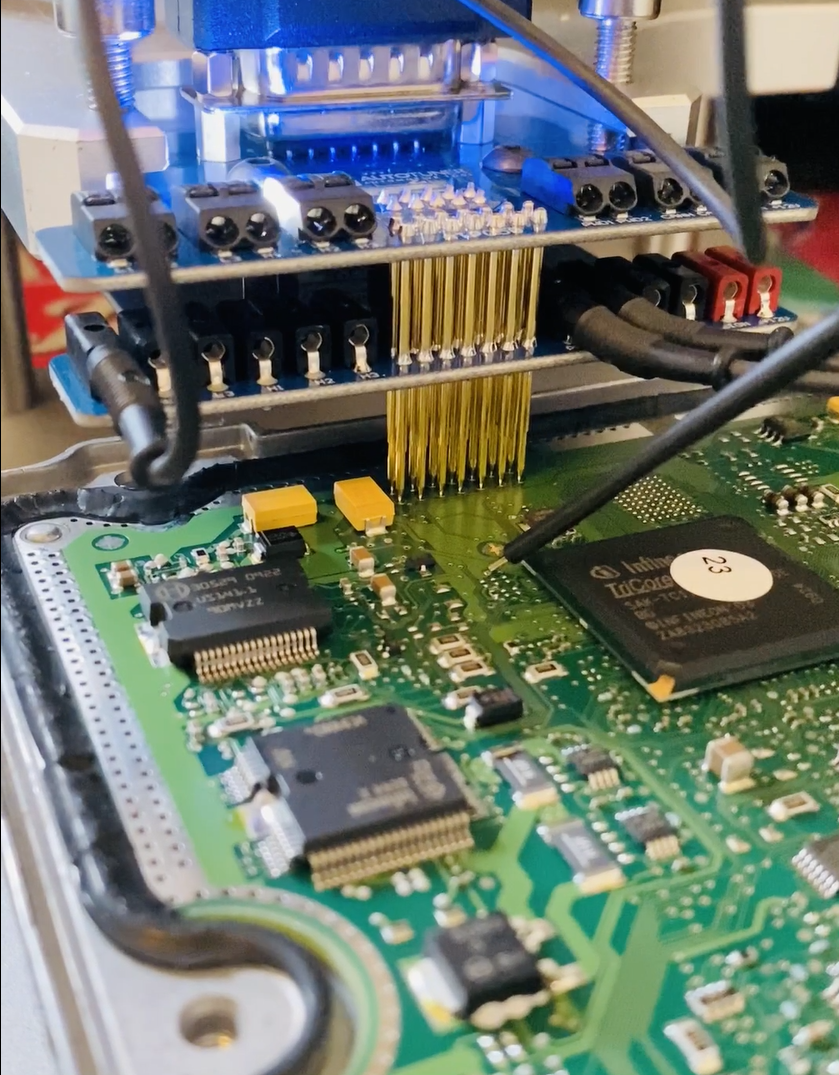
When an ECU powers up normally, it runs its internal software and enforces all its protections (like anti-tuning security, read/write restrictions, etc.). In boot mode, you interrupt that normal startup by grounding or triggering a specific boot pin (or pad) on the ECU at power-up.
This tells the processor (commonly a Bosch Tricore CPU on many ECUs) to start in a special mode designed for programming and recovery. In this state, the ECU isn’t running the vehicle software in the usual way, so the protections are either reduced or completely bypassed.
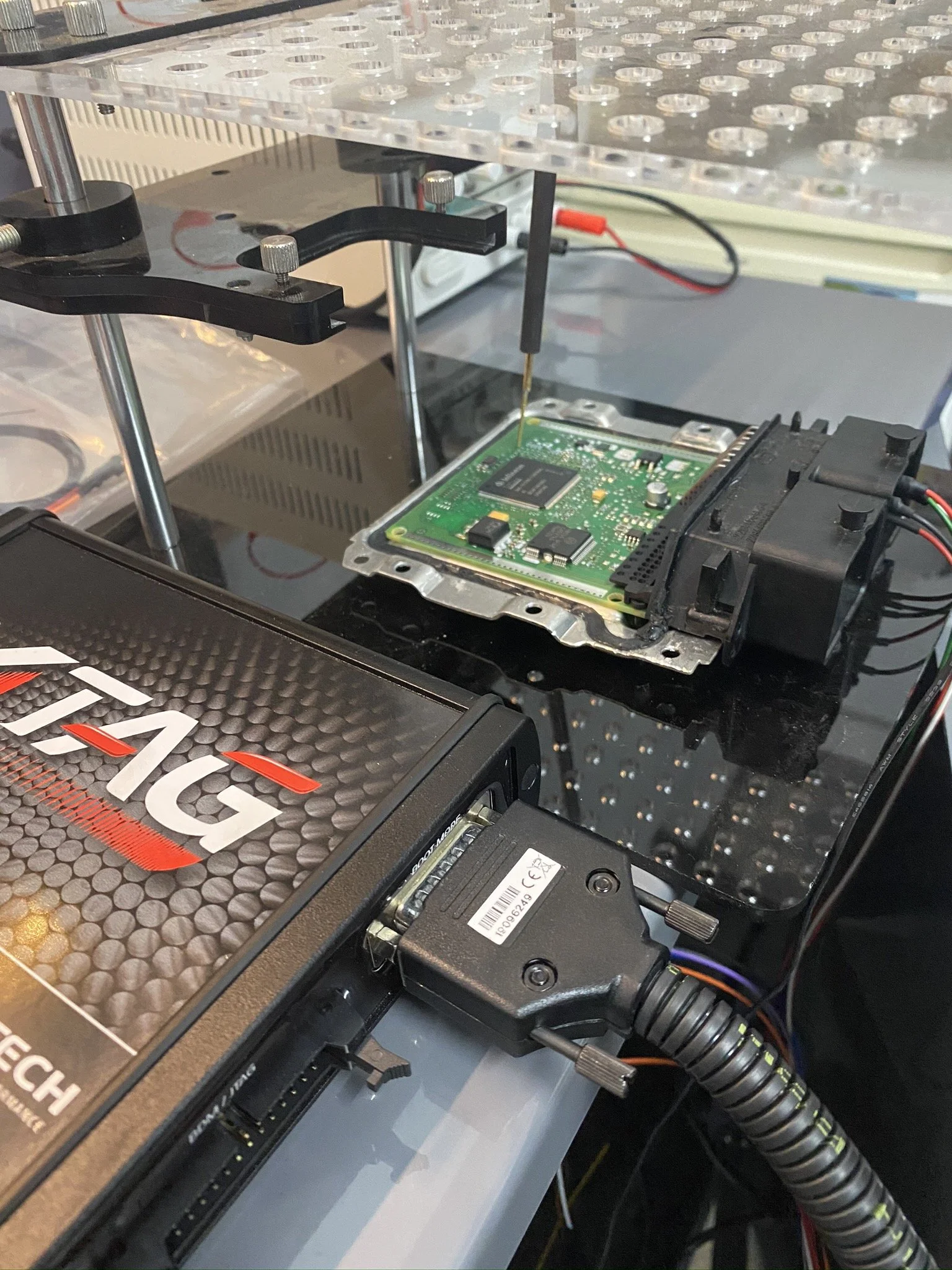
Once in boot mode, your tool (Flex, AutoTuner, Kess3 etc.) can communicate directly with the microcontroller. This allows you to:
Read and write full flash memory
Access EEPROM (in many cases)
Recover corrupted or “bricked” ECUs
Unlock ECUs that are blocked over OBD or normal bench
This is why boot mode is so powerful. It’s essentially direct access to the core of the ECU, not just the accessible layers.
Now, on the naming side:
“Tricore” refers to the type of processor used in many Bosch ECUs (like EDC17, MED17, MD1, MG1, etc.). So when people say “Tricore boot,” they’re talking about boot mode on those processors.
“JTAG” is actually a different hardware-level debugging interface used in electronics. In the tuning world, people often use the term loosely, but most of the time when someone says JTAG on a modern ECU, they really mean boot mode or a similar low-level access method. True JTAG is less commonly used in day-to-day tuning compared to Tricore boot.
Key differences compared to standard bench:
Bench mode: ECU powers up normally, you communicate through supported protocols
Boot mode: You force the ECU into a special startup state to bypass protections
In simple terms:
Bench = controlled, direct access
Boot mode = forced access with security bypass
From a Helix-level positioning, boot mode is what allows you to handle locked, unsupported, or failed ECUs properly. It’s also your safety net, because if something goes wrong during a write, boot mode is often how you recover the unit instead of replacing it.
⚠️ Not a DIY Process
Boot mode requires:
ECU removal
Opening the unit
Precision handling of sensitive components
This is why it’s only carried out using proper equipment and experience — NOT guesswork.
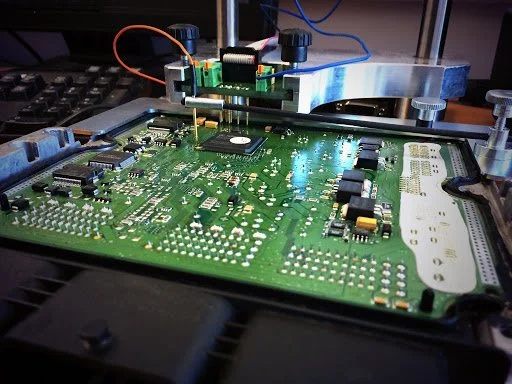
Below are some examples of us using boot mode for reading.